Smart TV Buying Guide Philippines: Everything You Need to Know (2026)
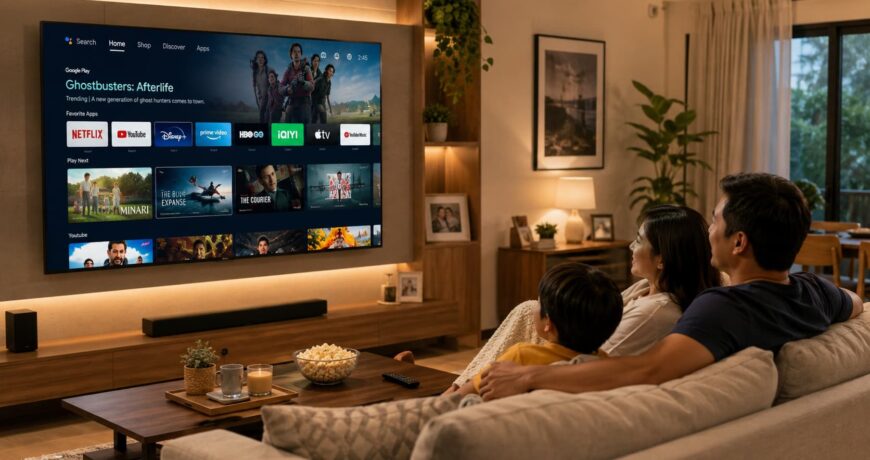
Quick answer: A smart TV is a television with a built-in internet connection and apps, letting you stream Netflix, YouTube, and other services without a separate streaming device. In the Philippines, most smart TVs run on Google TV, Android TV, webOS (LG), or Tizen (Samsung). The best smart TV for you depends on your screen size needs, preferred streaming apps, and budget. For most Filipino households, a 43 to 55-inch smart TV with 4K resolution and Google TV or webOS offers the best balance of features and value.
What Is a Smart TV?
A smart TV connects to your home Wi-Fi (or wired ethernet) and lets you:
- Stream content from apps like Netflix, YouTube, Disney+, Viu, iWantTFC, and more.
- Browse the web on a big screen.
- Mirror your phone (cast from Android or iPhone).
- Use voice assistants like Google Assistant or Alexa (on supported models).
- Access apps including Spotify, games, news, and fitness apps.
Unlike a basic TV that just receives channels, a smart TV is essentially a large tablet on your wall.
Smart TV Operating Systems Compared
| OS | Used By | Key Strengths | App Store | Voice Assistant |
| Google TV | Sony, TCL, Hisense, Philips | Largest app library, Google integration, personalised recommendations | Google Play Store | Google Assistant |
| Android TV | Sony (older), TCL, various brands | Wide app support, Chromecast built-in | Google Play Store | Google Assistant |
| webOS | LG | Clean interface, fast navigation, LG Channels (free streaming) | LG Content Store | LG ThinQ AI |
| Tizen | Samsung | Smooth performance, Samsung SmartThings integration, wide app support | Samsung App Store | Bixby / Alexa |
💡 For Filipino users: Google TV and Android TV offer the widest app compatibility, including local apps like iWantTFC. LG’s webOS and Samsung’s Tizen also support most major Philippine streaming services.
How to Choose the Right Screen Size
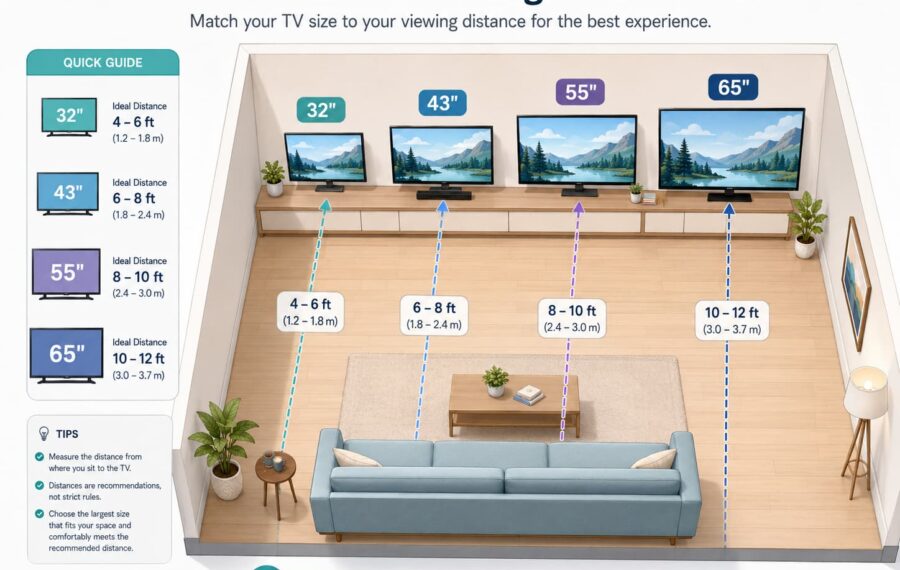
Screen size is measured diagonally in inches. The right size depends on your viewing distance.
| Viewing Distance | Recommended Screen Size | Typical Room |
| 1.2 to 1.8 metres | 32 to 40 inches | Bedrooms, small studios |
| 1.8 to 2.5 metres | 43 to 50 inches | Medium bedrooms, apartments |
| 2.5 to 3.5 metres | 55 to 65 inches | Living rooms |
| 3.5 metres+ | 75 inches+ | Large living rooms, entertainment areas |
Rule of thumb: Multiply your viewing distance (in metres) by 20 to get the minimum recommended screen size in inches. At 2.5 metres, you want at least a 50-inch TV.
Display Technology: LED vs QLED vs OLED
| Technology | How It Works | Strengths | Trade-offs | Best For |
| LED / LCD | LED backlight behind LCD panel | Affordable, bright, wide size range | Lower contrast, visible backlight bleed | Budget buyers, bright rooms |
| QLED | Quantum dot layer enhances LED backlight | Vivid colours, very bright, no burn-in risk | Not as deep blacks as OLED | Bright living rooms, sports, gaming |
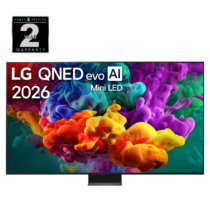
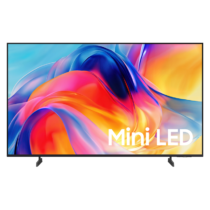
| Mini-LED | LED backlight with thousands of smaller dimming zones | Much better contrast than standard LED/QLED, high brightness, no burn-in risk | Higher cost than standard QLED, not quite OLED-level blacks | Near-OLED quality without OLED price |
| OLED | Each pixel produces its own light | Perfect blacks, infinite contrast, wide viewing angles | Higher cost. Burn-in risk is largely mitigated in current models through pixel-shift and panel-care technology | Movie lovers, dark rooms, premium buyers |
Recommendation for most Filipino homes: QLED offers the best all-around value. If your living room gets a lot of natural light, QLED’s brightness advantage matters. OLED is the premium choice for cinephiles who watch in dimmer settings.
Resolution: HD vs Full HD vs 4K vs 8K
-
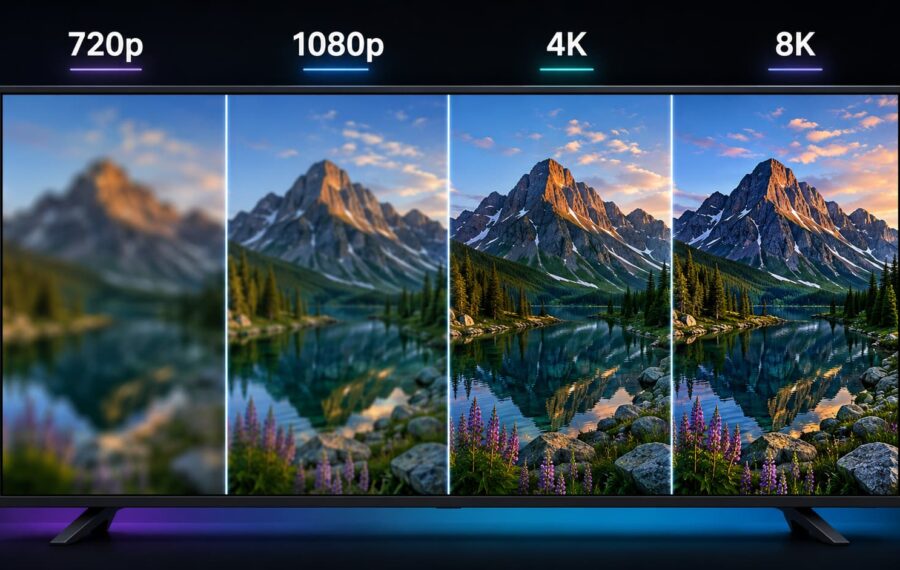
Resolution Pixels Best Screen Size Content Availability HD (720p) 1,280 x 720 32 inches and below Free TV, basic cable Full HD (1080p) 1,920 x 1,080 32 to 43 inches Most streaming, cable TV 4K UHD 3,840 x 2,160 43 inches+ Netflix 4K, YouTube 4K, gaming 8K 7,680 x 4,320 65 inches+ Very limited content Recommendation: For TVs 43 inches and above, go 4K. The content library is now extensive (Netflix, YouTube, Disney+, and gaming consoles all support 4K). Skip 8K for now since there is virtually no 8K content available in the Philippines.
Smart TV Features Worth Having
- Chromecast built-in / AirPlay. Cast content from your phone to the TV wirelessly.
- Bluetooth. Connect wireless headphones or soundbars.
- HDMI 2.1. Essential for PS5 or Xbox Series X gaming (supports 4K at 120Hz).
- Dolby Atmos / DTS support. Better audio quality with compatible soundbars.
- HDR (High Dynamic Range). Wider colour range and better contrast. Look for HDR10+ or Dolby Vision.
- Voice control. Google Assistant or Alexa integration for hands-free operation.
- USB playback. Play videos and photos from a USB drive.
Top Smart TV Brands in the Philippines
Samsung
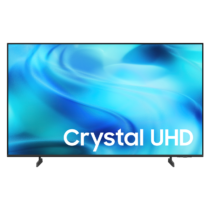
Samsung leads the Philippine television market with a wide range from budget Crystal UHD to premium Neo QLED and The Frame lifestyle TVs. Tizen OS is smooth and well-supported. Strong service network nationwide.
LG
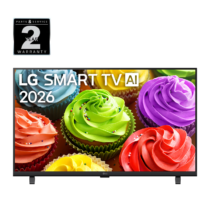
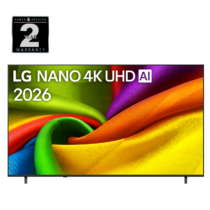
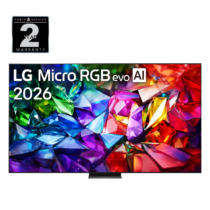
LG is the OLED pioneer and offers the best OLED TVs in the market. Their webOS is clean and easy to use. The C-series OLED is the go-to for premium buyers, while the LG UHD 4K range covers the mid-range.
Sony
Sony TVs are known for picture processing excellence. Their XR Processor delivers natural-looking images. Runs Google TV with full app support. Premium positioning with strong audio-visual performance.
TCL
TCL offers strong value at aggressive price points. Their Google TV models provide a premium smart TV experience at a mid-range budget. The P-series offers QLED at competitive pricing, while the C-series steps up to QD-MiniLED for even better contrast and brightness.
Hisense
Hisense is a growing brand in the Philippines offering 4K ULED and QLED TVs at accessible prices. Good for buyers who want big screens without a premium price tag.
Setting Up Your Smart TV
- Connect to Wi-Fi. Go to Settings > Network > Wi-Fi and select your home network. Use 5GHz if available for smoother streaming.
- Sign in to your accounts. Google account (for Google TV/Android TV), Samsung account (for Tizen), or LG account (for webOS).
- Download your streaming apps. Netflix, YouTube, Disney+, Viu, iWantTFC, Spotify, and any others you use.
- Adjust picture settings. For most content, set the picture mode to “Movie” or “Filmmaker Mode” for the most accurate colours. “Vivid” mode looks bright in stores but is usually oversaturated for home viewing.
- Connect external devices. Use HDMI for gaming consoles, Blu-ray players, or soundbars. Use Bluetooth for wireless headphones.
Frequently Asked Questions
What is the difference between a smart TV and a regular TV?
A regular TV only receives broadcast signals (antenna or cable). A smart TV connects to the internet and runs apps, letting you stream content, browse the web, and use voice assistants without any additional device.
Do I need a streaming stick if I have a smart TV?
Usually not. Modern smart TVs have built-in apps that cover most streaming services. A streaming stick (like Chromecast or Fire Stick) is only needed if your TV’s built-in OS is slow, outdated, or missing a specific app.
Can I watch local channels on a smart TV?
Yes. Most smart TVs still have a built-in digital TV tuner for free-to-air channels (GMA, TV5, and more). You can also use apps like iWantTFC for ABS-CBN content. Cable and IPTV apps are available on most platforms.
How much internet speed do I need for a smart TV?
For SD streaming: 3 Mbps. For Full HD: 5 to 10 Mbps. For 4K streaming: 25 Mbps or higher. For a household with multiple devices streaming simultaneously, aim for at least 50 Mbps.
Is OLED really worth it over QLED?
OLED delivers superior contrast (perfect blacks) and wider viewing angles. QLED is brighter and more resistant to burn-in. For dark movie rooms, OLED wins. For bright living rooms with mixed content, QLED is the practical choice.
How long does a smart TV last?
Modern smart TVs typically last 7 to 10 years for the hardware, provided you protect them from environmental factors. In the Philippines, high humidity can cause condensation and corrosion inside electronics — running a dehumidifier in your entertainment area helps protect your investment. Dust buildup on vents also reduces cooling efficiency, so regular cleaning with a quality vacuum cleaner keeps airflow clear and extends your TV’s lifespan. The smart platform may stop receiving app updates after 4 to 6 years, at which point you can add an external streaming device to extend its life